
 Kia Optima: Trouble Diagnostics When Using GDS
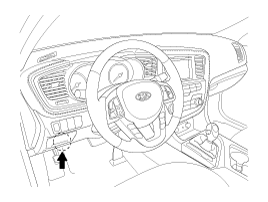
| 1. | The body control module can diagnose
by using the GDS more quickly. The BCM communicates with the GDS and then reads the input/output value and drives the actuator. |
| 2. | To diagnose the BCM function, select the menu of model and body control module. |
| 3. | To consult the present input/output
value of BCM, "Current DATA". It provides information of BCM input/output
conditions of power supply, turn signal/brake lamp, headlamp, door, locks,
outside mirror, wiper, auto-light and transmitters etc.
|
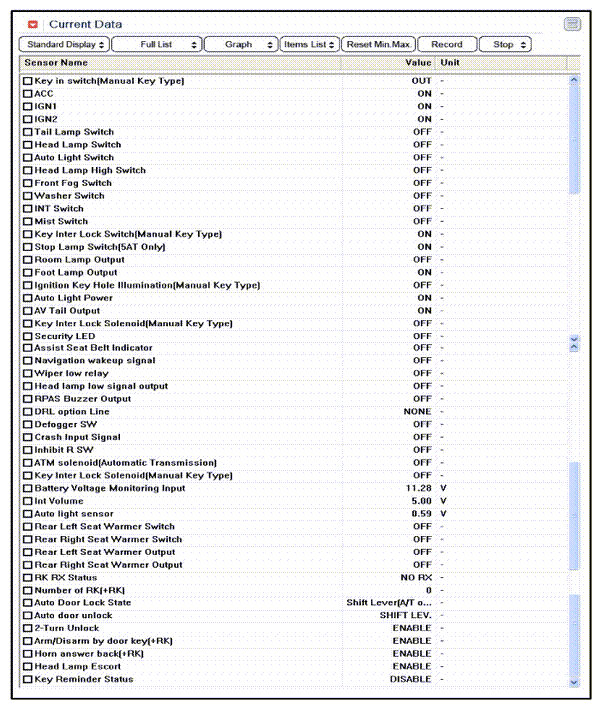
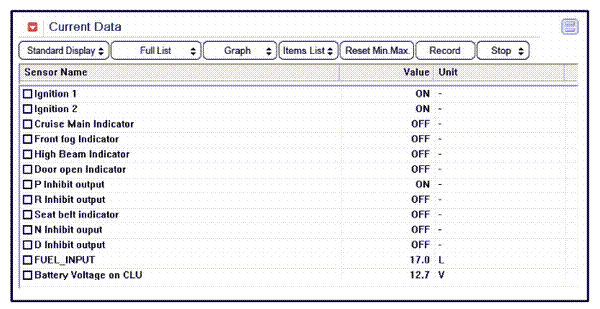
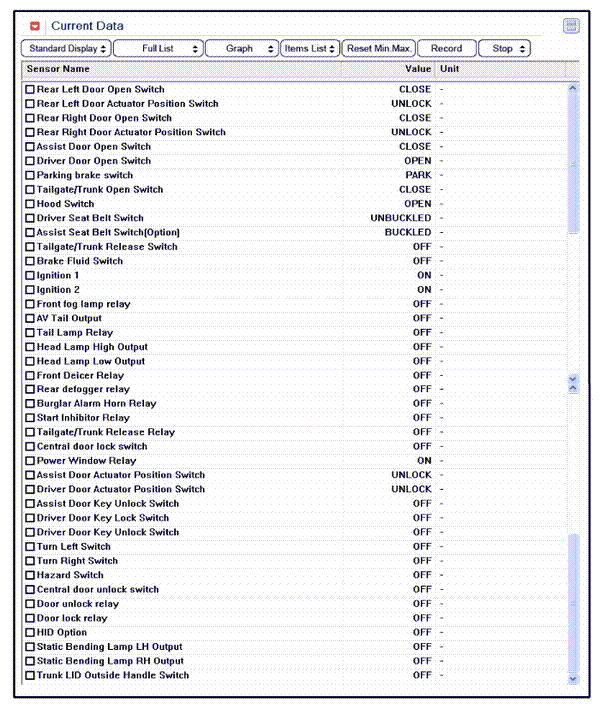
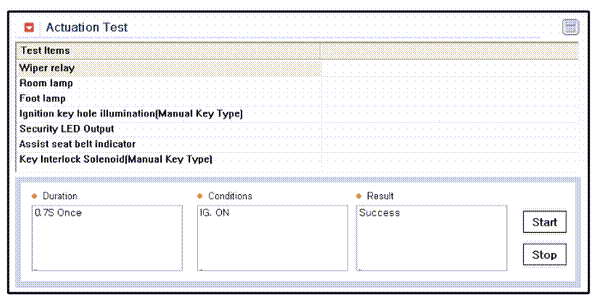
| 4. | To perform compulsory operation
on BCM input factors, select "ACTUATION TEST".
|

 Removal
1.
Disconnect the negative (-) battery
terminal.
2.
Remove the crash pad lower panel
(A).
3.
Remove the reinforce panel after
loosening th ...
See also:
BCM Connector Terminals
BCM Input Signal SPEC
Signal Name
Description
Input Characteristics
(determinant condition
of connector base)
Power
Source
(Pull Up)
...
Inspection
1.
Turn the ignition switch OFF.
2.
Disconnect the RCV control solenoid valve connector.
3.
Measure resistance between the valve terminals 1
...
Removal
1.
Disconnect the brake fiuid level
switch connector, and remove the reservoir cap.
2.
Remove the brake fluid from the
master cylinder reservior with a syringe.
...
Categories
Kia Optima Manuals
- Kia Optima DL3 2019-2026 Owners Manual
- Kia Optima DL3 2019-2026 Service and Repair Manual
- Kia Optima TF 2011-{2019} Owners Manual
- Kia Optima TF 2011-2026 Service Manual
- Kia Optima MS/Magentis 2000-2005 Owners Manual

Copyright © www.kiopman.com 2026