
 Kia Optima: Transmitter Code Registration (Using GDS)
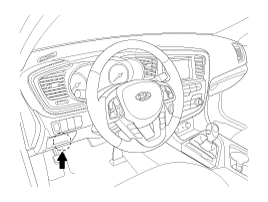
| 1. | Connect the DLC cable of GDS
to the data link connector (16 pins) in driver side crash pad lower panel,
turn the power on GDS.
|
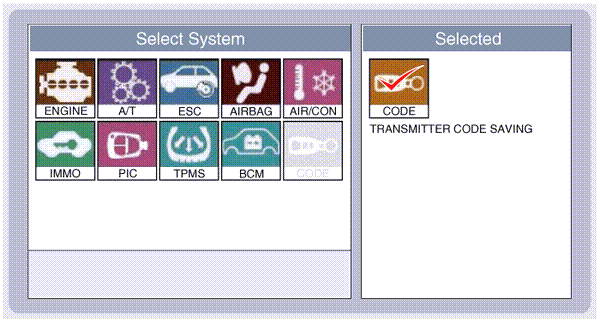
| 2. | Select the vehicle model and
then do "CODE SAVING"
|
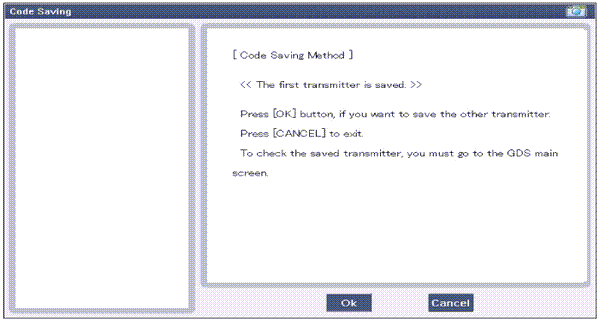
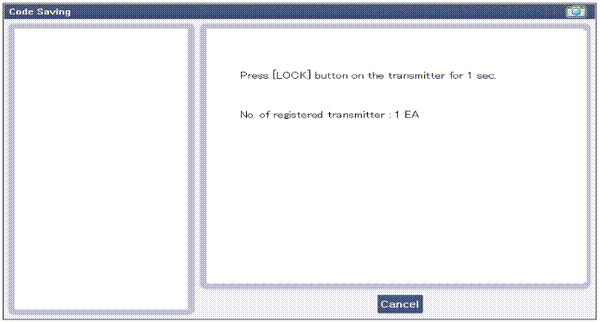
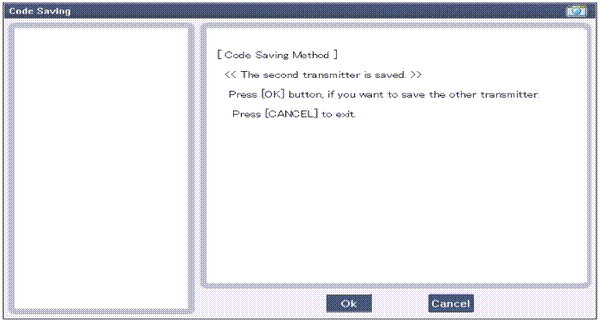
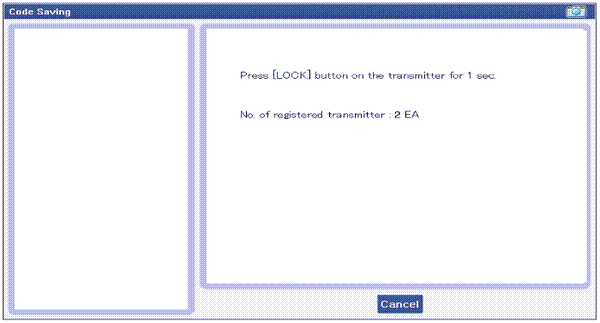
| 3. | After selecting "CODE SAVING"
menu, button "ENTER" key, then the screen will be shown as below.
|
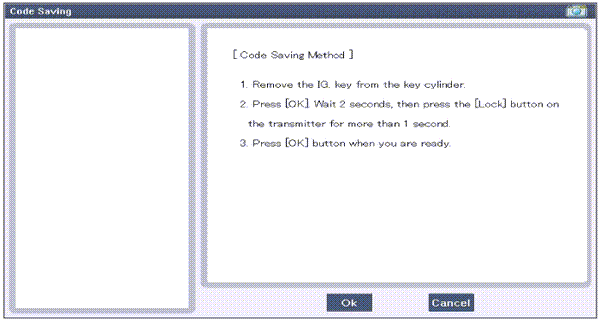
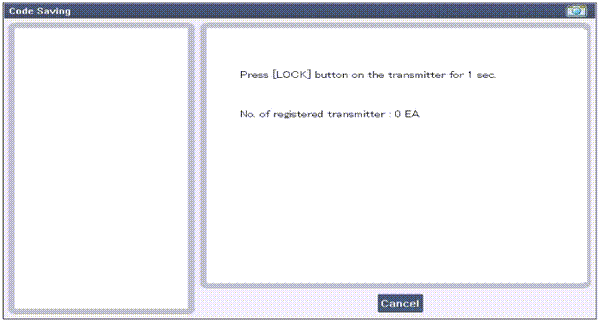
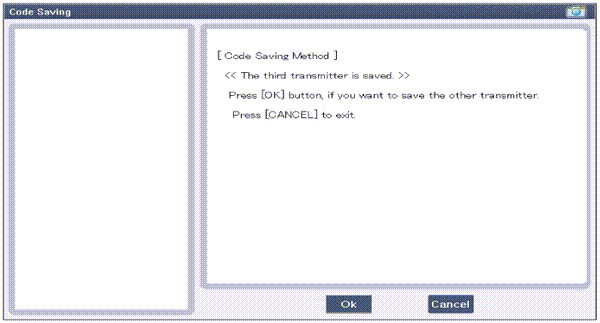
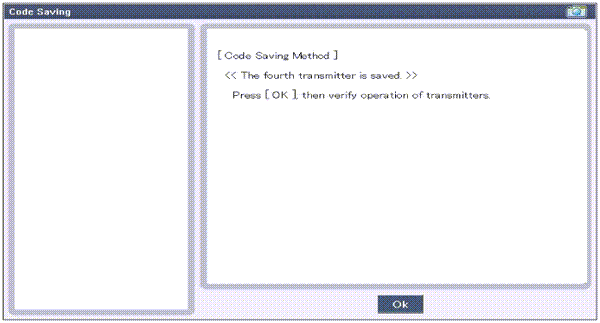
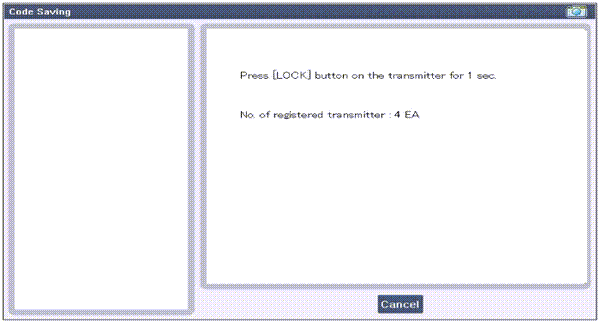
| 4. | After removing the ignition key
from key cylinder, push "ENTER" key to proceed to the next mode for code
saving. Follow steps 1 to 4 and then code saving is completed.
|

 Transmitter Code Registration (Using Code Saver)
1.
Open Door.
2.
Connect POWER (B+) and GND, signal
line of Code Saver.
3.
If connection is normal, signal
line is activated and RED LED turns ON.
...

See also:
Brake Line. Components and Components Location
Components
...
Measurement Point
Measurements should be taken at the center of the hole.
...
Checking the Washer Fluid Level
The reservoir is translucent so that you can check the level with a quick visual
inspection.
Check the fluid level in the washer fluid reservoir and add fluid if necessary.
Plain water may be u ...
Categories
Kia Optima Manuals
- Kia Optima DL3 2019-2026 Owners Manual
- Kia Optima DL3 2019-2026 Service and Repair Manual
- Kia Optima TF 2011-{2019} Owners Manual
- Kia Optima TF 2011-2026 Service Manual
- Kia Optima MS/Magentis 2000-2005 Owners Manual

Copyright © www.kiopman.com 2026